![logo ProovStation email.png]](https://kb.proovstation.com/hs-fs/hubfs/B2B/Logo/logo%20ProovStation%20email.png?height=40&name=logo%20ProovStation%20email.png)
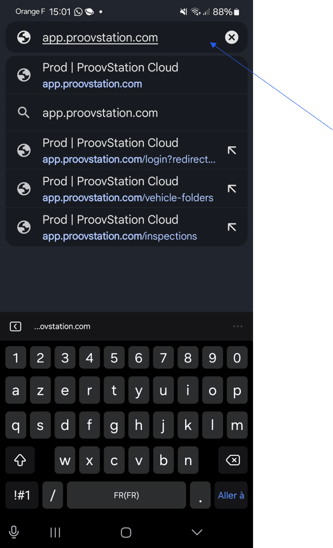
1- Access to app.proovstation.com
- Open Chrome browser
- Access to app.proovstation.com
→ Use this URL in the top search bar
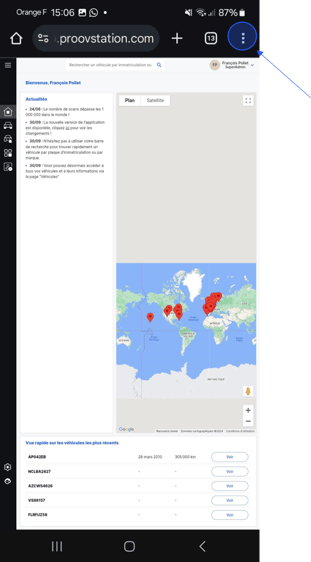
2- Pass in "Computer" mode
- Press the ... icon on the top right corner
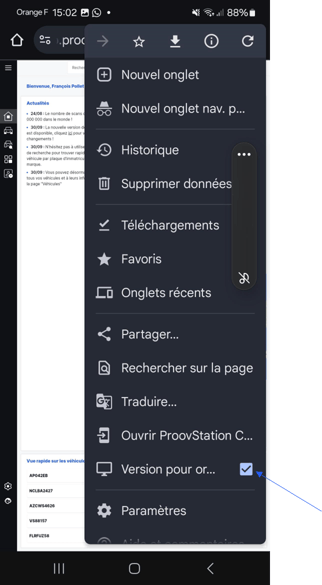
→ Chrome settings open
- Activate the Desktop version option
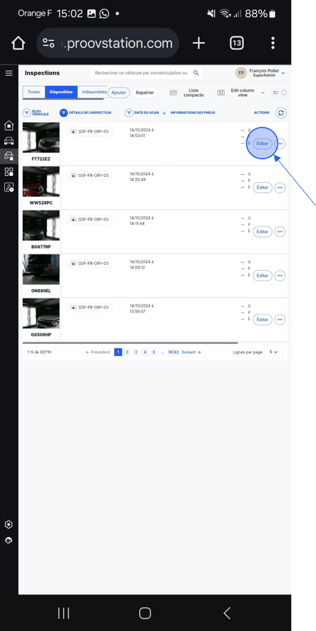
- Go in the Inspections menu to print the list of available cars
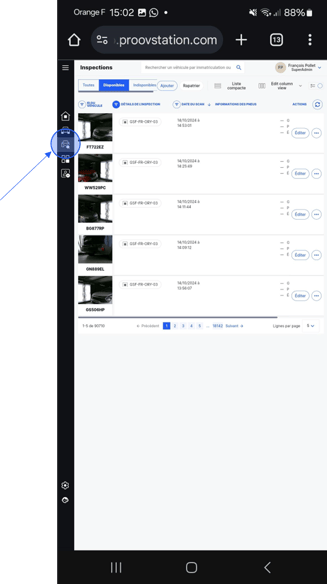
- Use the Edit button in front of the wanted car to edit it