![logo ProovStation email.png]](https://kb.proovstation.com/hs-fs/hubfs/B2B/Logo/logo%20ProovStation%20email.png?height=40&name=logo%20ProovStation%20email.png)
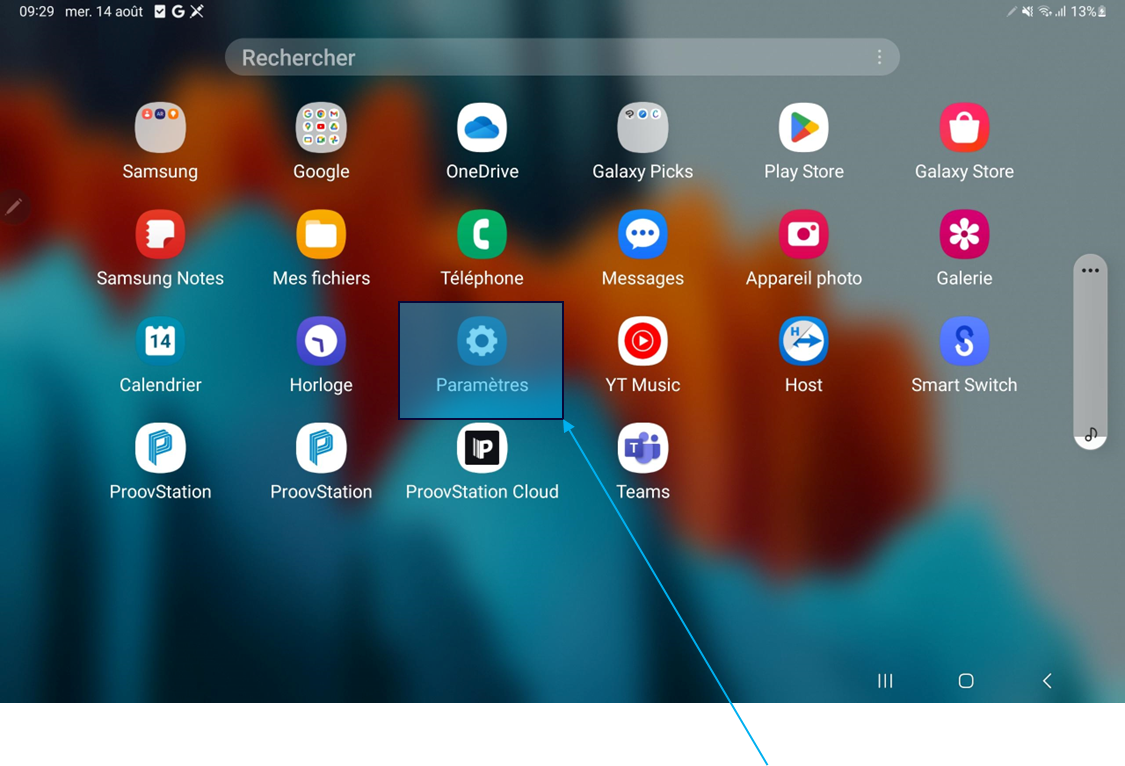
1- Open tablet App settings
-
Access the tablet Desktop
- Access all tablet Settings
- Open App settings
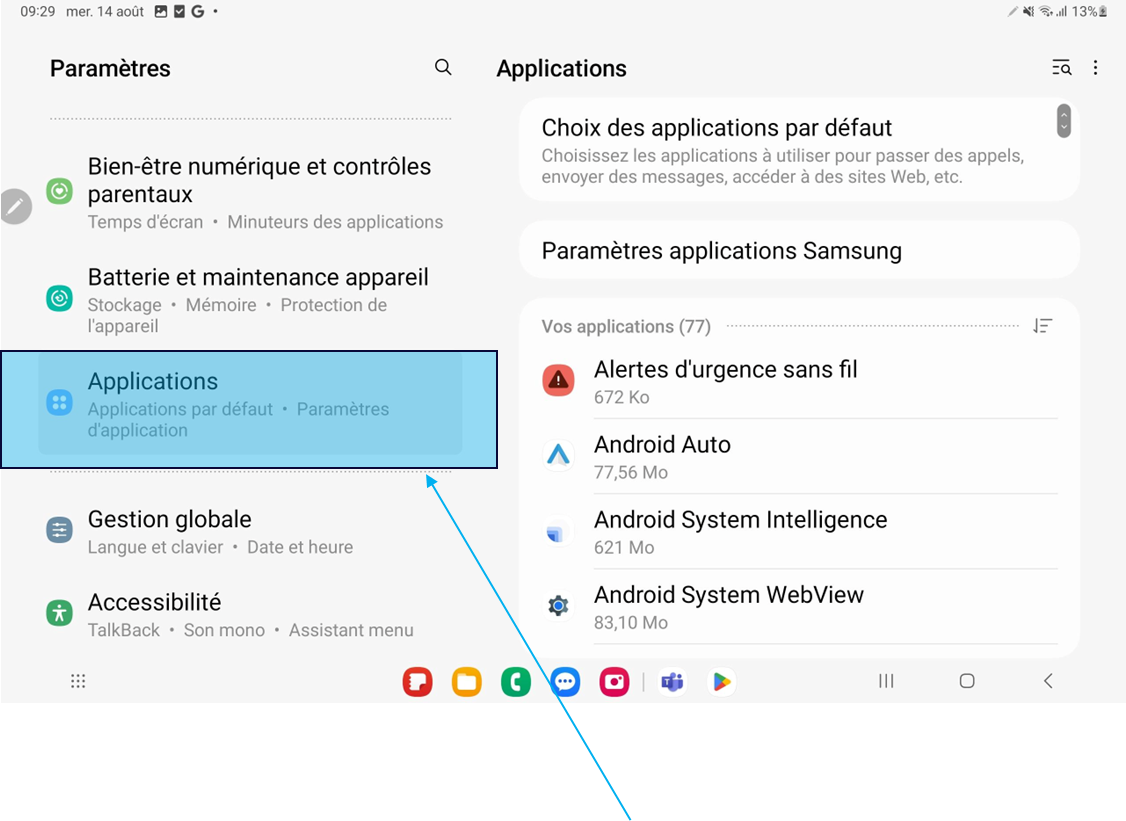
2- Check Chrome authorizations
- Look for Chrome App
- Check Chrome authorizations
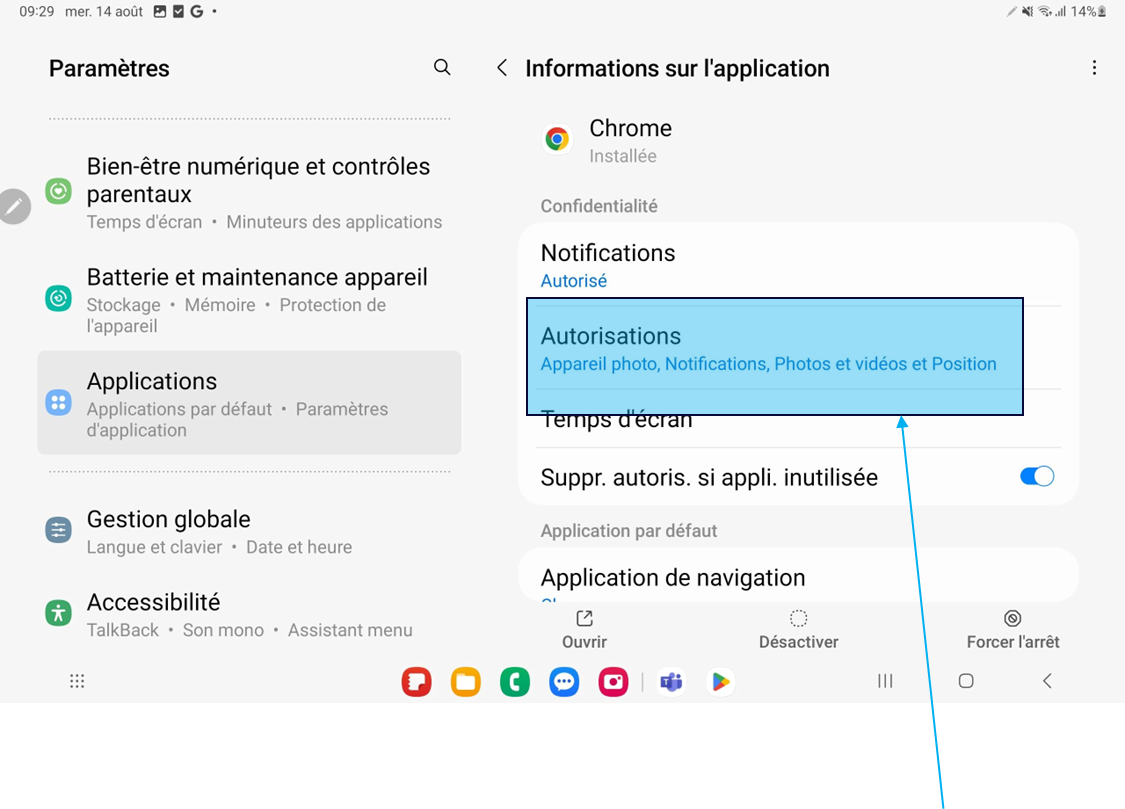
- Check if the cam is allowed in the app authorized
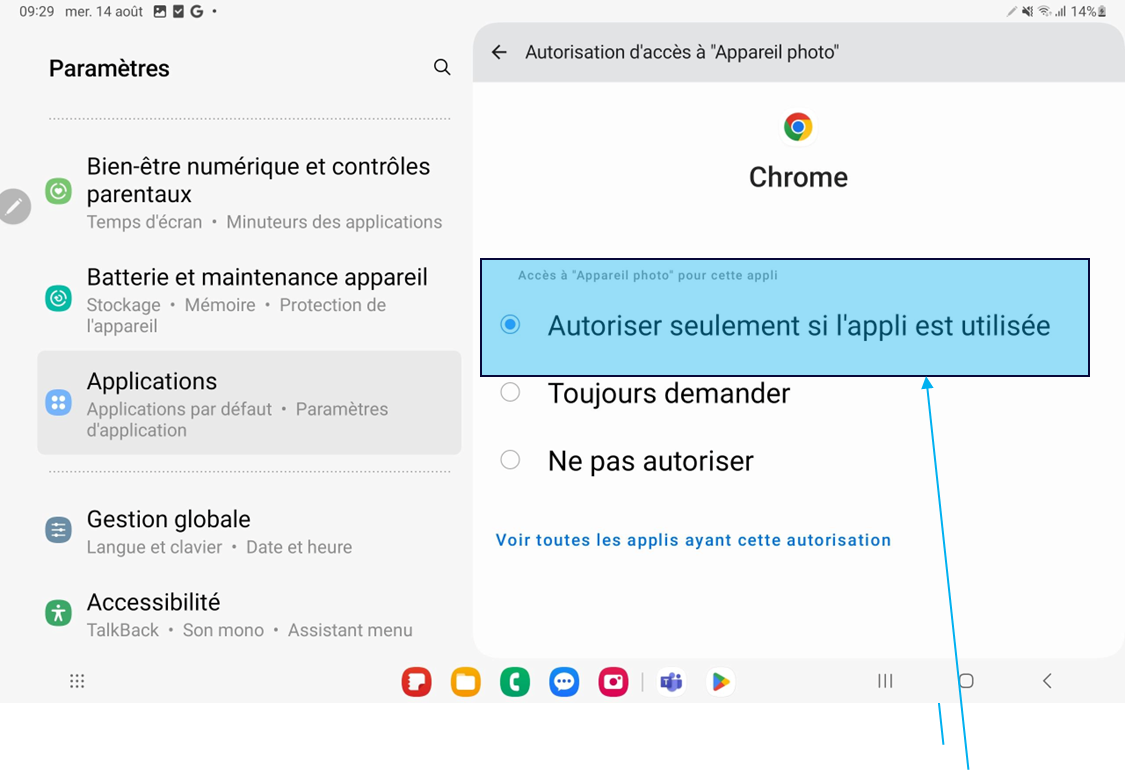
3- Allow camera in Chrome if not allowed
- Press the cam icon
- Make sure the app is authorized when the app is used